K6 SERIES · ALL-IN-ONE POS
Flexible POS for Modern Service.
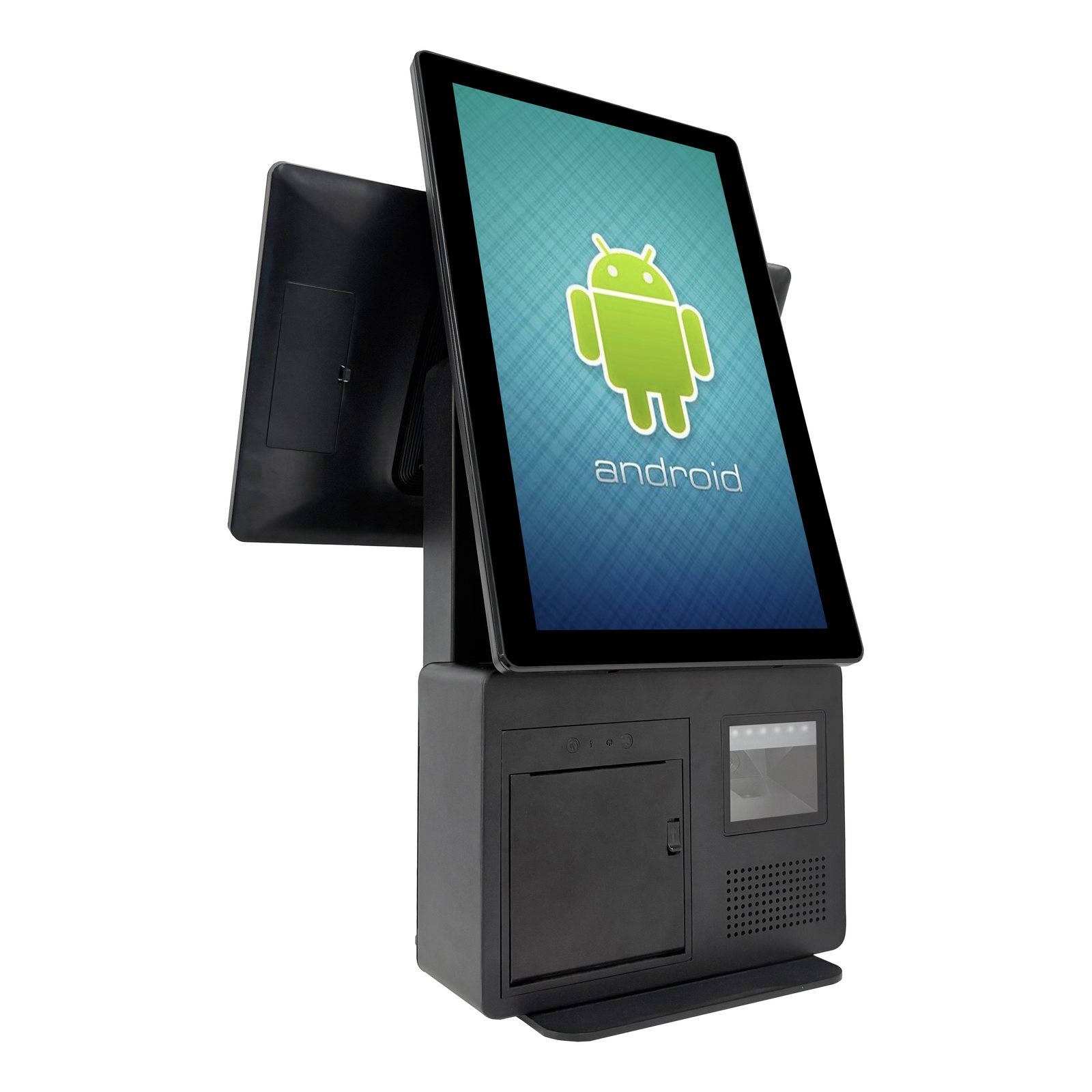
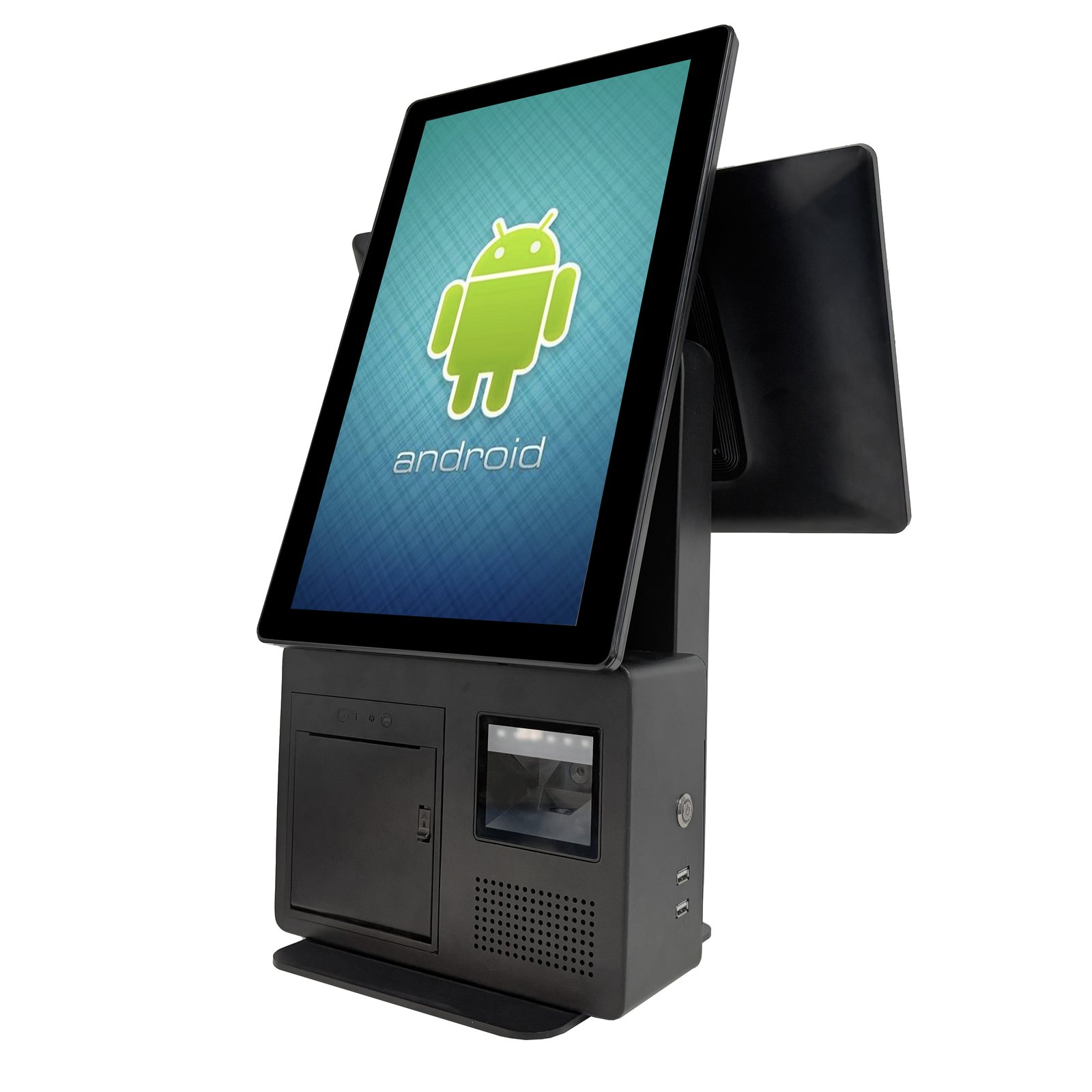
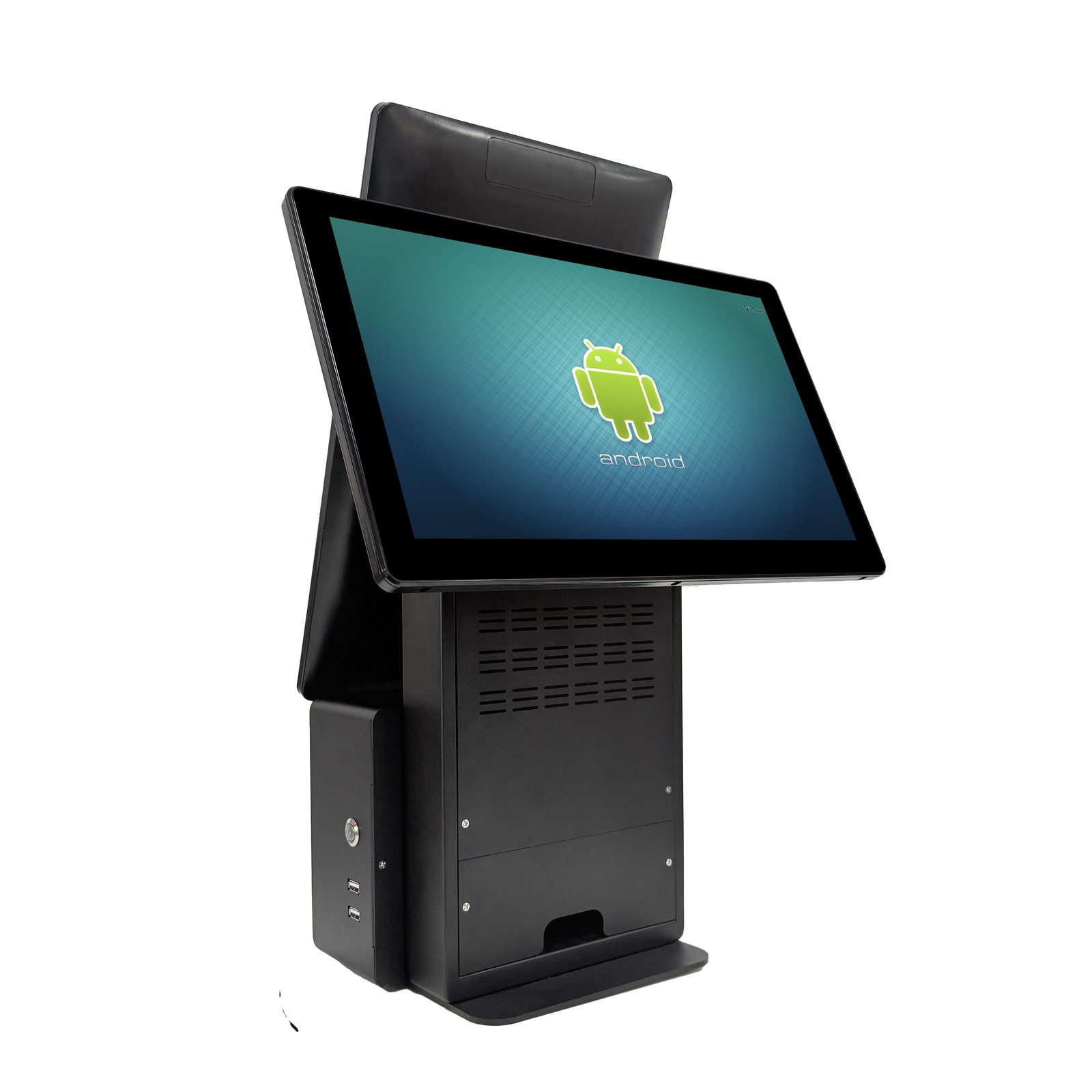
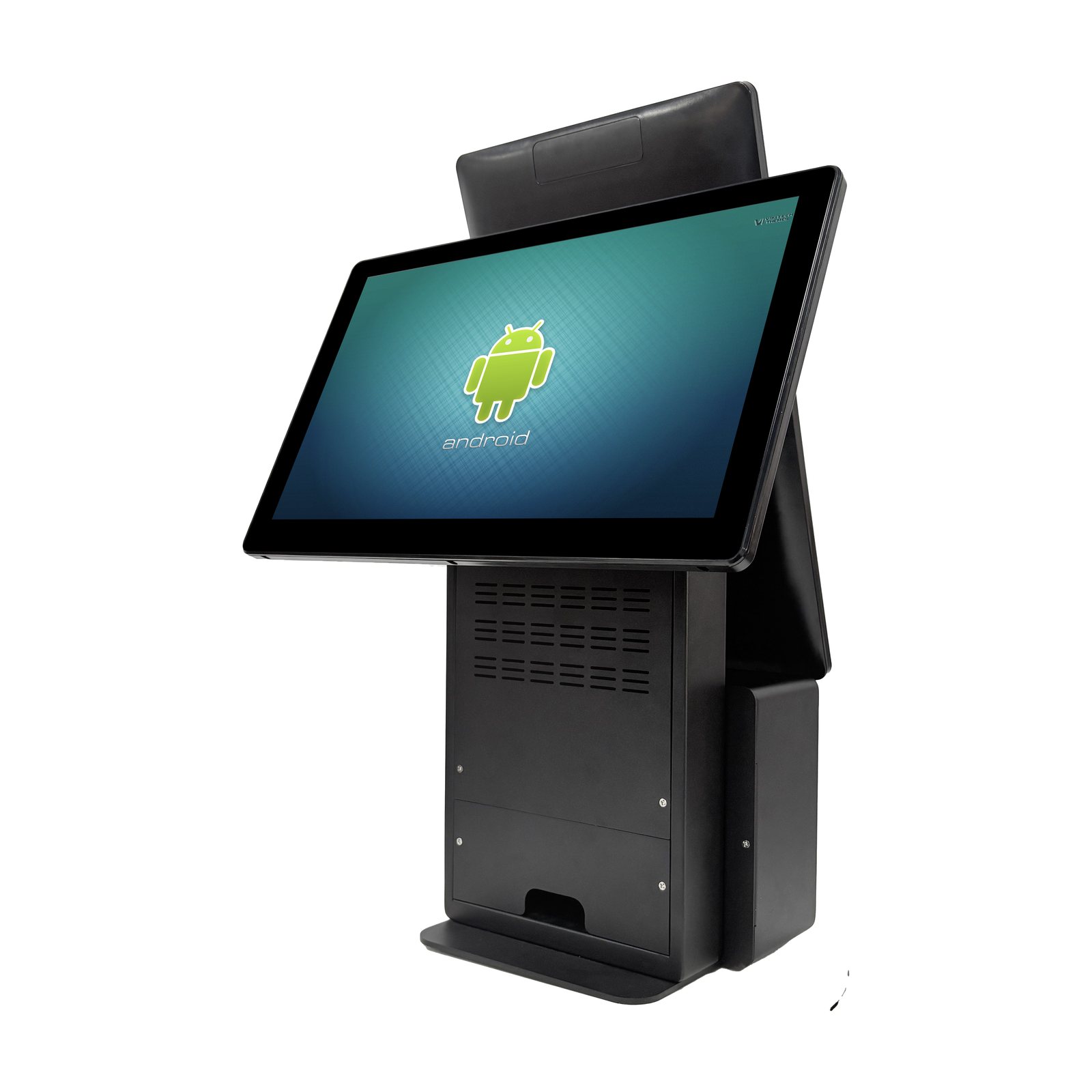
K6 is a configurable POS platform with single- or dual-display layouts for retail and hospitality counters.
COLOUR
Configuration, interfaces and peripheral options are confirmed according to project requirements.
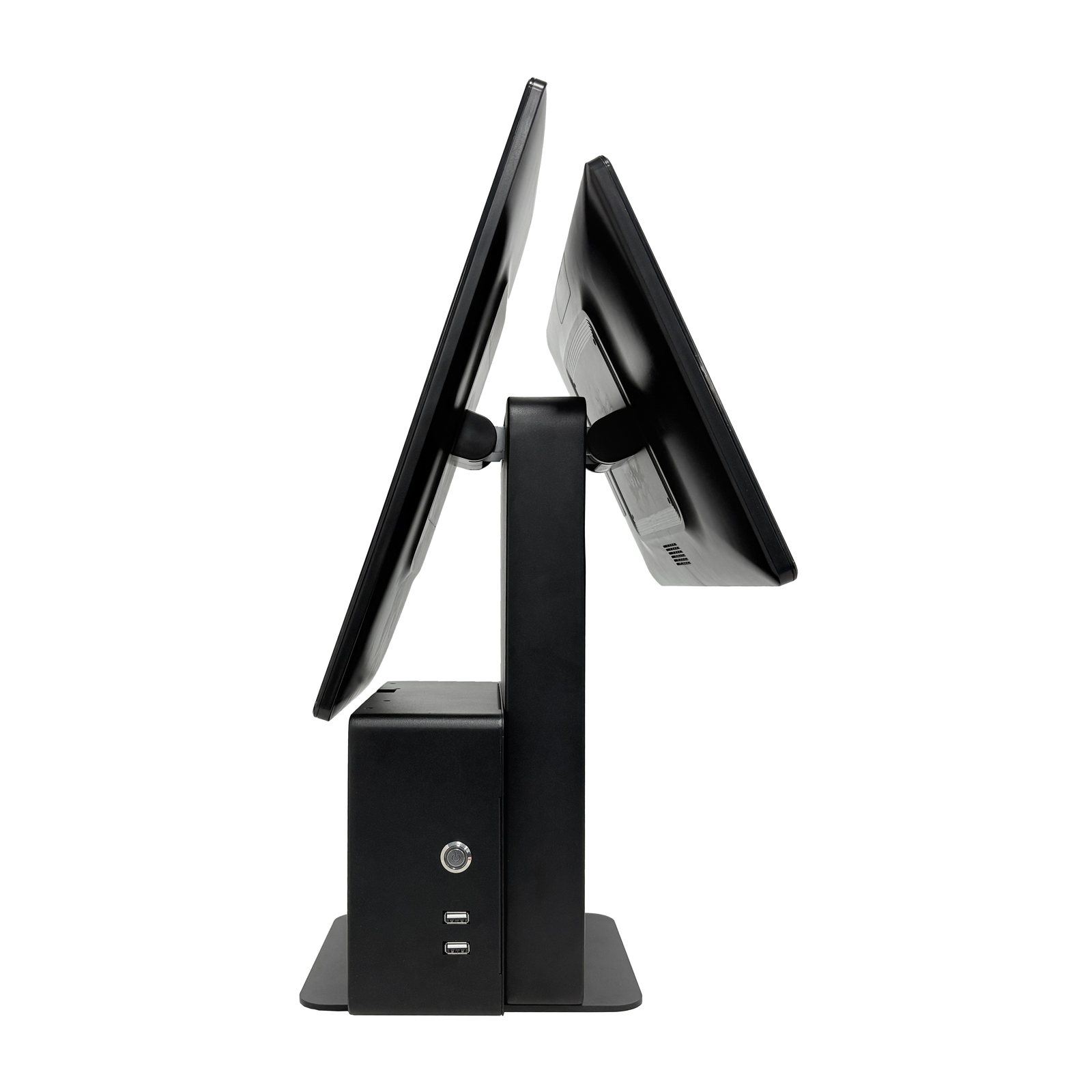
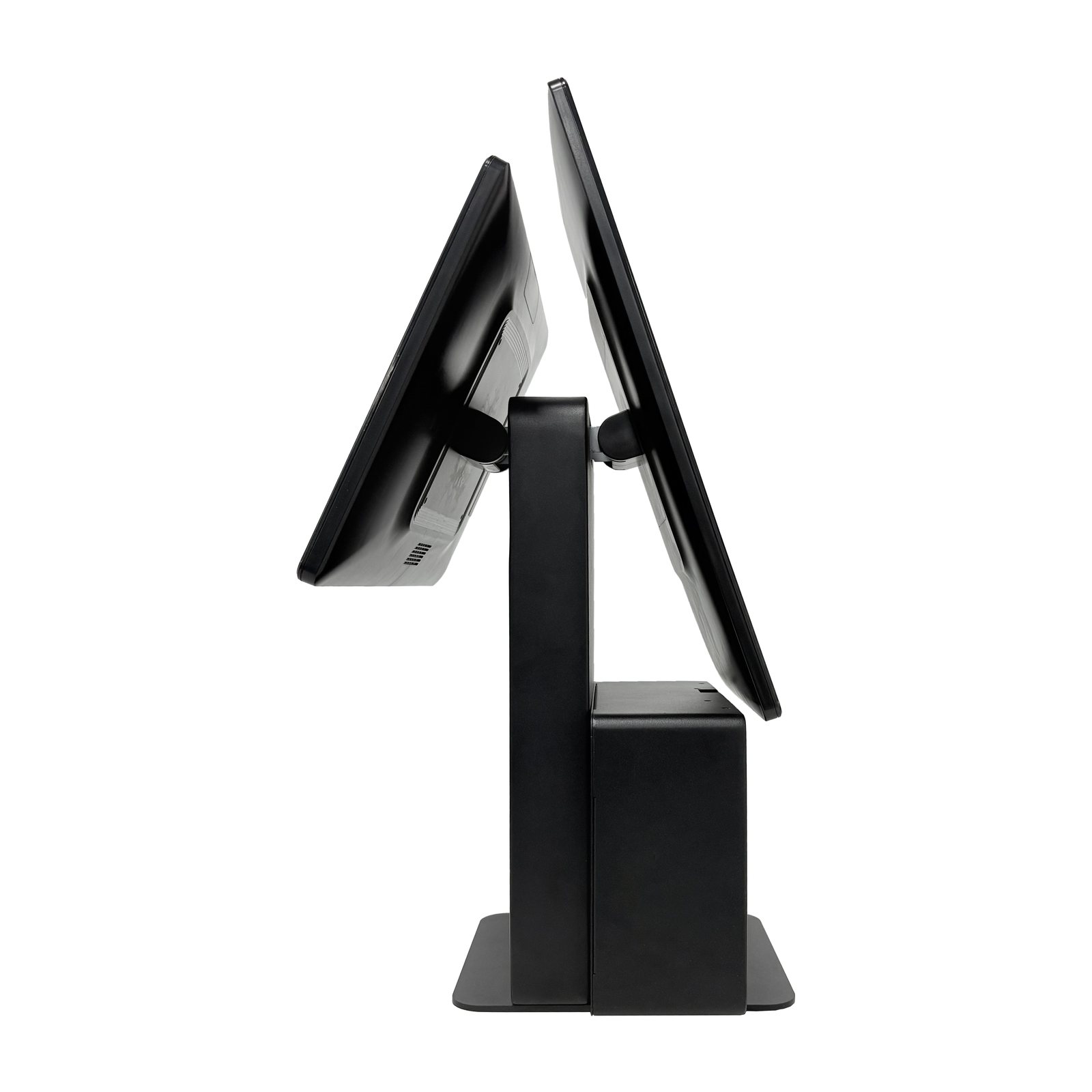
Single & Dual Display
Choose an operator-only or customer-facing display layout.
Black Finish
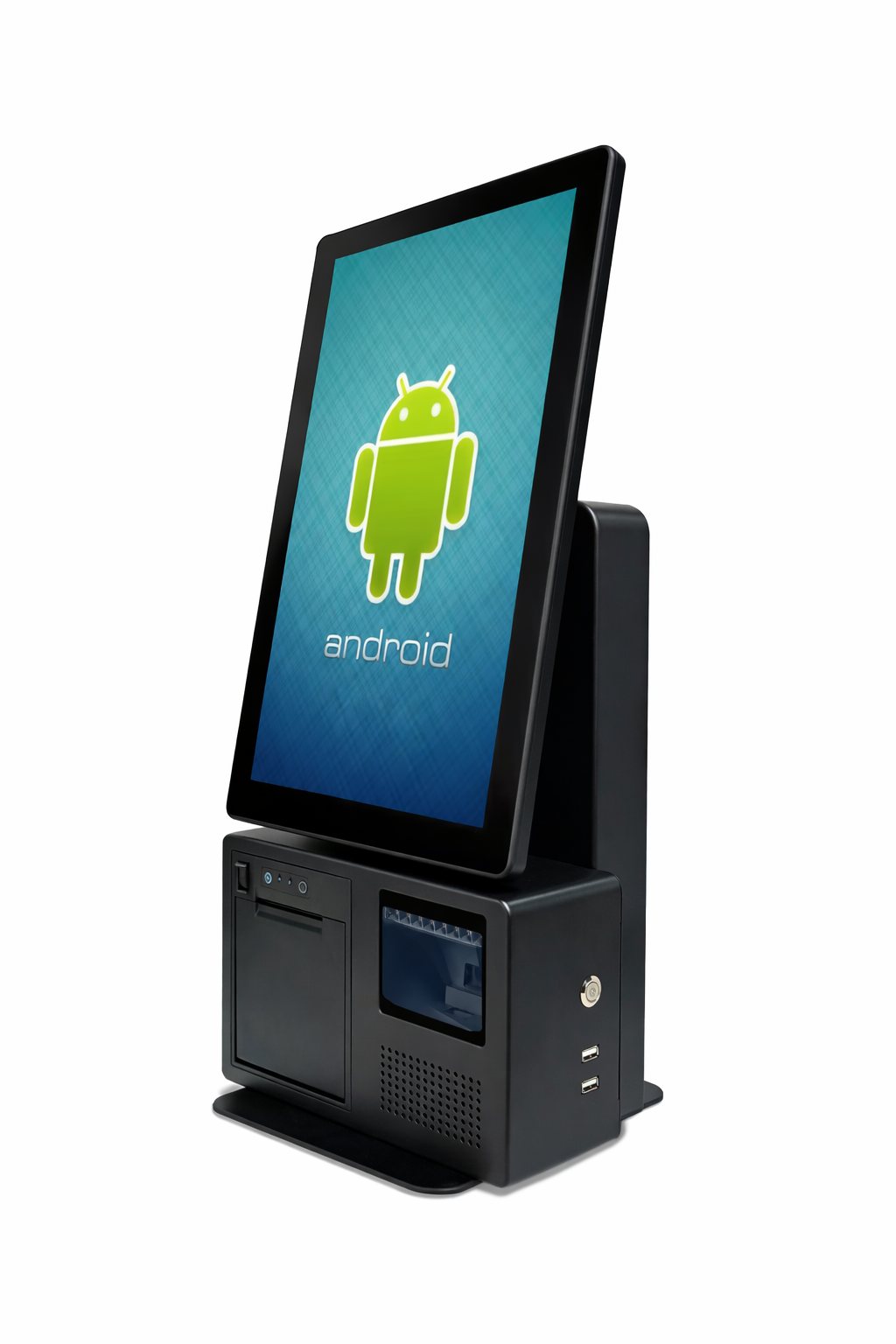
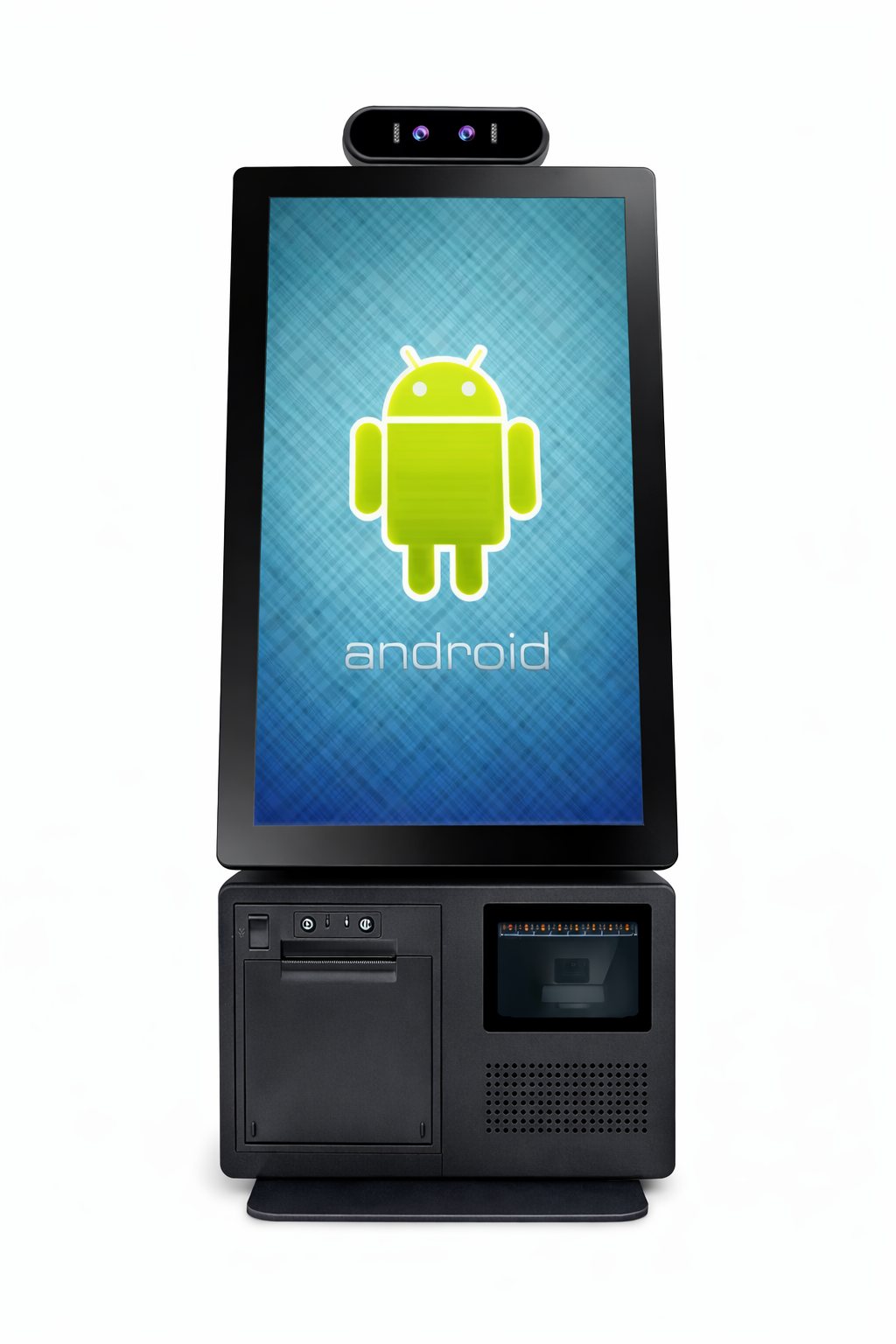
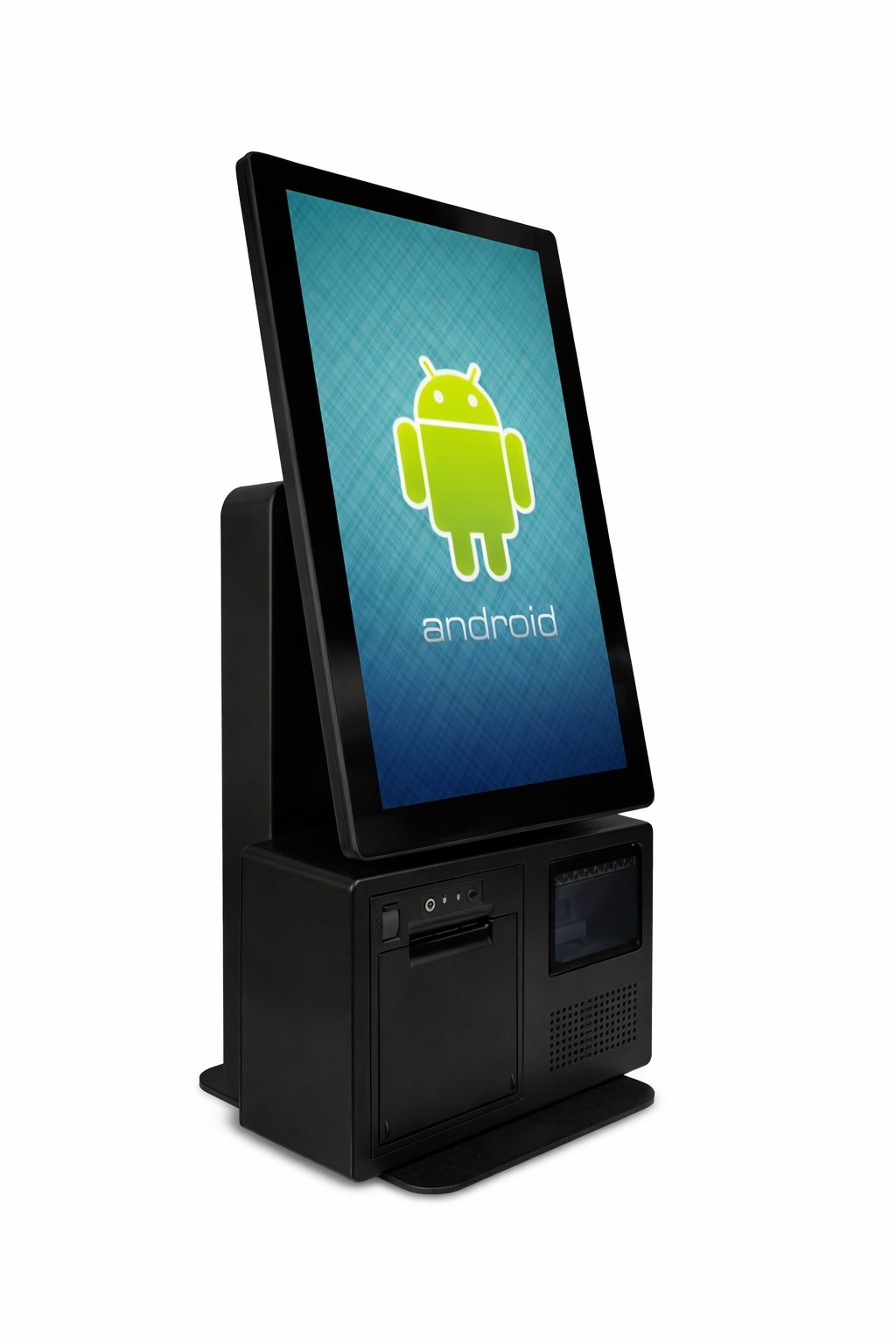
Explore the 14 original K6 product views above.
Retail Ready
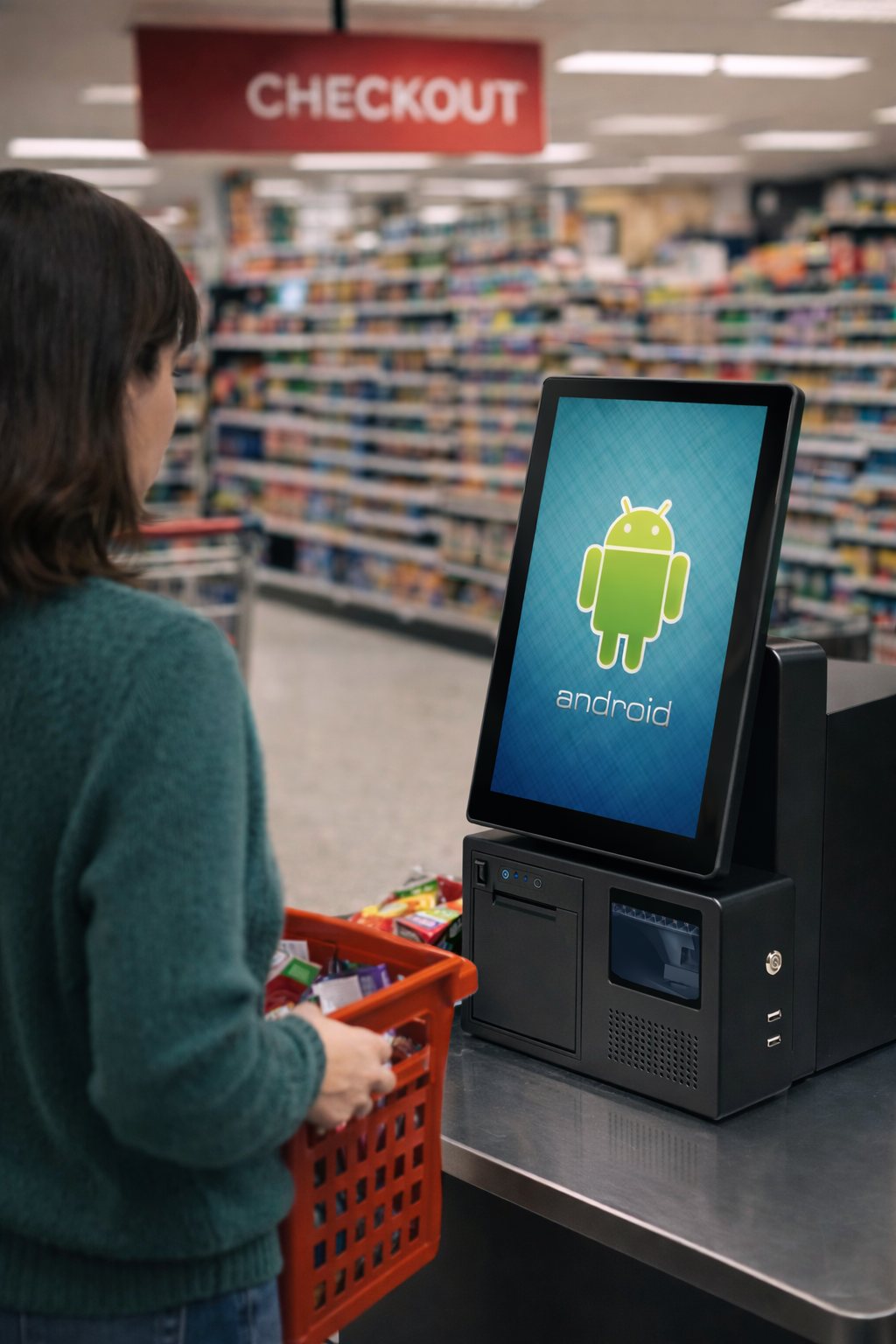
Designed for configurable retail, hospitality and service-counter installations.
OEM / ODM
Branding and hardware configuration are discussed per project.
PRODUCT OVERVIEW
K6 configurable all-in-one POS
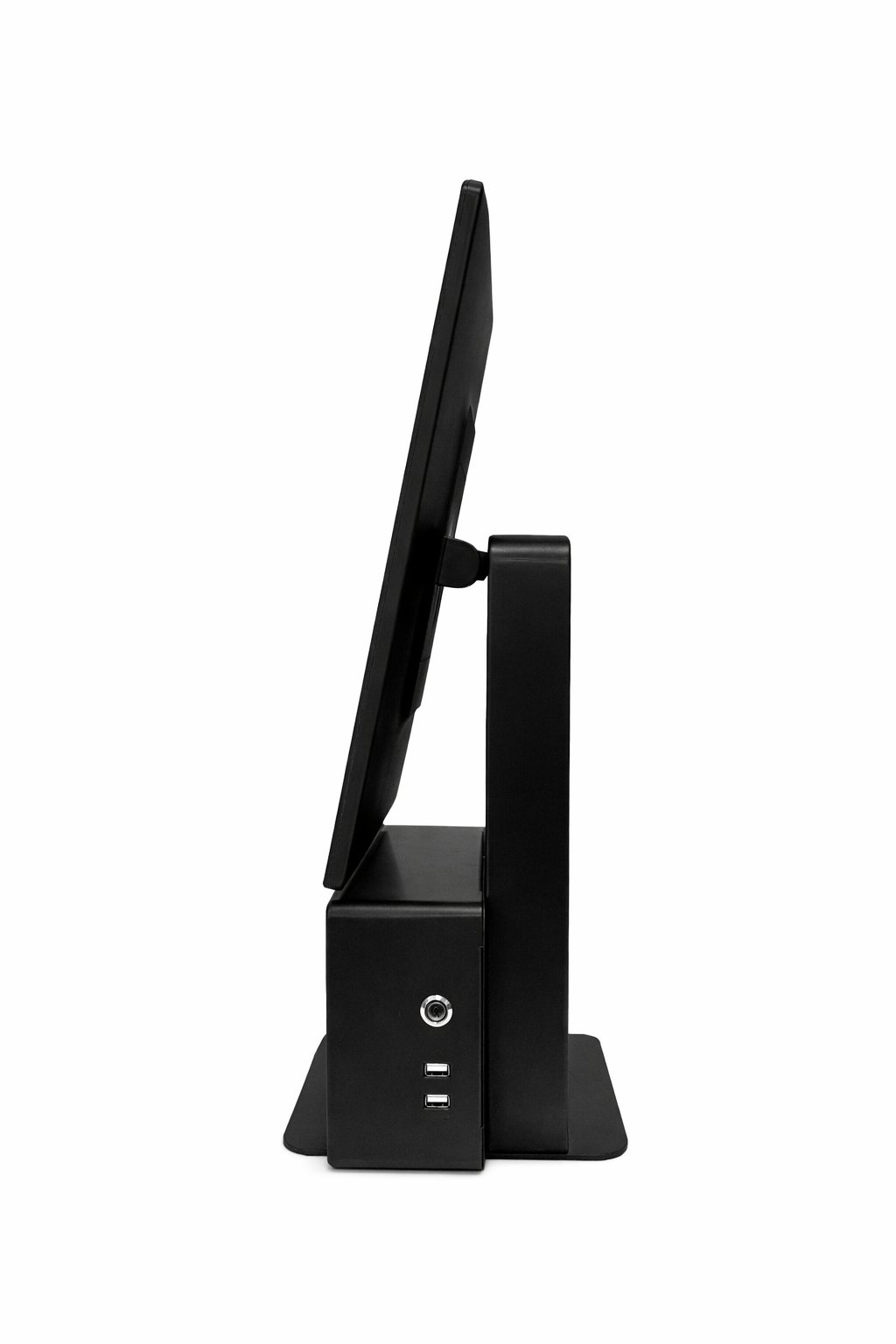
The K6 platform supports single-screen and dual-screen formats. The gallery shows the black finish.
Its final CPU, operating system, storage, peripheral and interface configuration is confirmed against the project technical specification.
The original K6 technical specification and dimension drawings are being prepared for this page.
TECHNICAL SPECIFICATIONS
K6 specification framework.
Core K6 platform options are shown below. Final CPU, operating system, interfaces, display setup and peripherals are confirmed with the approved quotation.
Model
TouchPOS K6 Series
Product gallery
14 product images in the black finish
Operating system
Confirmed with approved quotation
CPU platform
Confirmed with approved quotation
Display setup
Single or customer-facing display options by project
Memory & storage
Configured to project requirements
Interfaces
Configured to project requirements
Peripherals
Peripheral requirements confirmed with approved quotation
Final configuration
Subject to approved quotation and production confirmation
Images, specifications and configurations are for reference only. Actual products may vary without notice.
CONFIGURATION OPTIONS
Configure K6 for your checkout flow.
Choose only the K6 options required for the approved project configuration.
PRODUCT DOCUMENTATION
Technical documentation
K6 original product imagery is shown above. Detailed technical documentation will be added from the source file set when available.
Send us your required K6 configuration.
Include target quantity, operating system, display setup, colour and peripherals. Our team will confirm the suitable K6 configuration and quotation.