Hospitality POS solutions
POS hardware for every order, table and service counter.
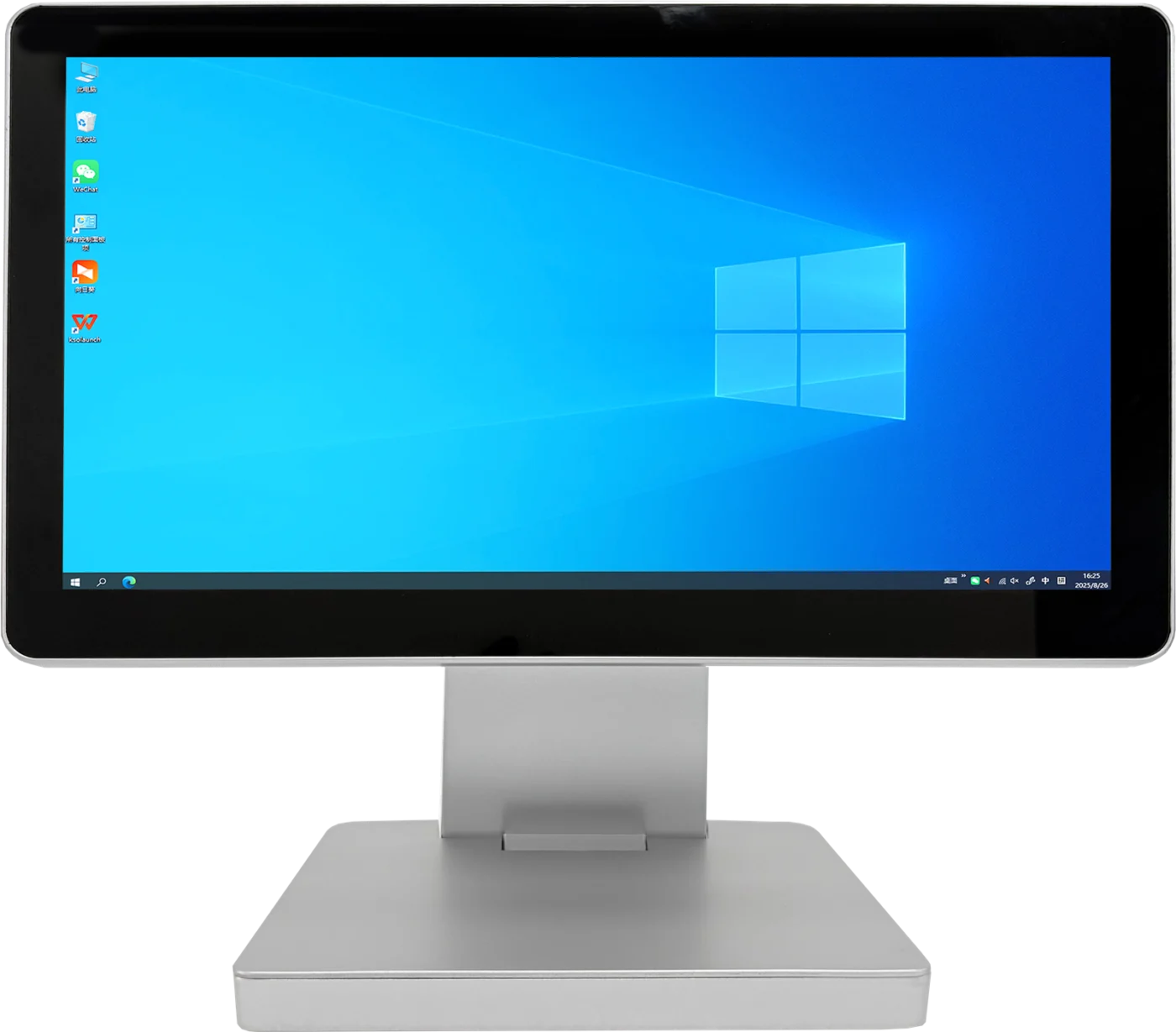
Configure a clear touchscreen POS platform for restaurants, cafés, hotels and quick-service environments—around your ordering software, service flow and required peripherals.

01
Service-first layouts
Choose a terminal format that supports order entry, payment handoff and staff workflows in the available counter space.
02
Connected counter setup
Confirm printers, customer displays and other required devices before the hardware configuration is approved.
03
Repeatable rollout
Keep one agreed configuration consistent across cafés, restaurants, hotel desks or regional franchises.
Designed around service
Make the counter easier for staff and guests.
Hospitality hardware should match the pace of service. We help partners plan the display, counter position and peripherals around the way orders are taken and fulfilled.
- Touchscreen formats for daily order entry
- Customer-display options where confirmation is needed
- Peripheral planning for service workflows
- OEM finish and branding discussion for qualified projects
Recommended hospitality hardware
Start with the service environment.
Final specifications are confirmed against your POS software, peripherals, target market and project quantity.
01
02
03
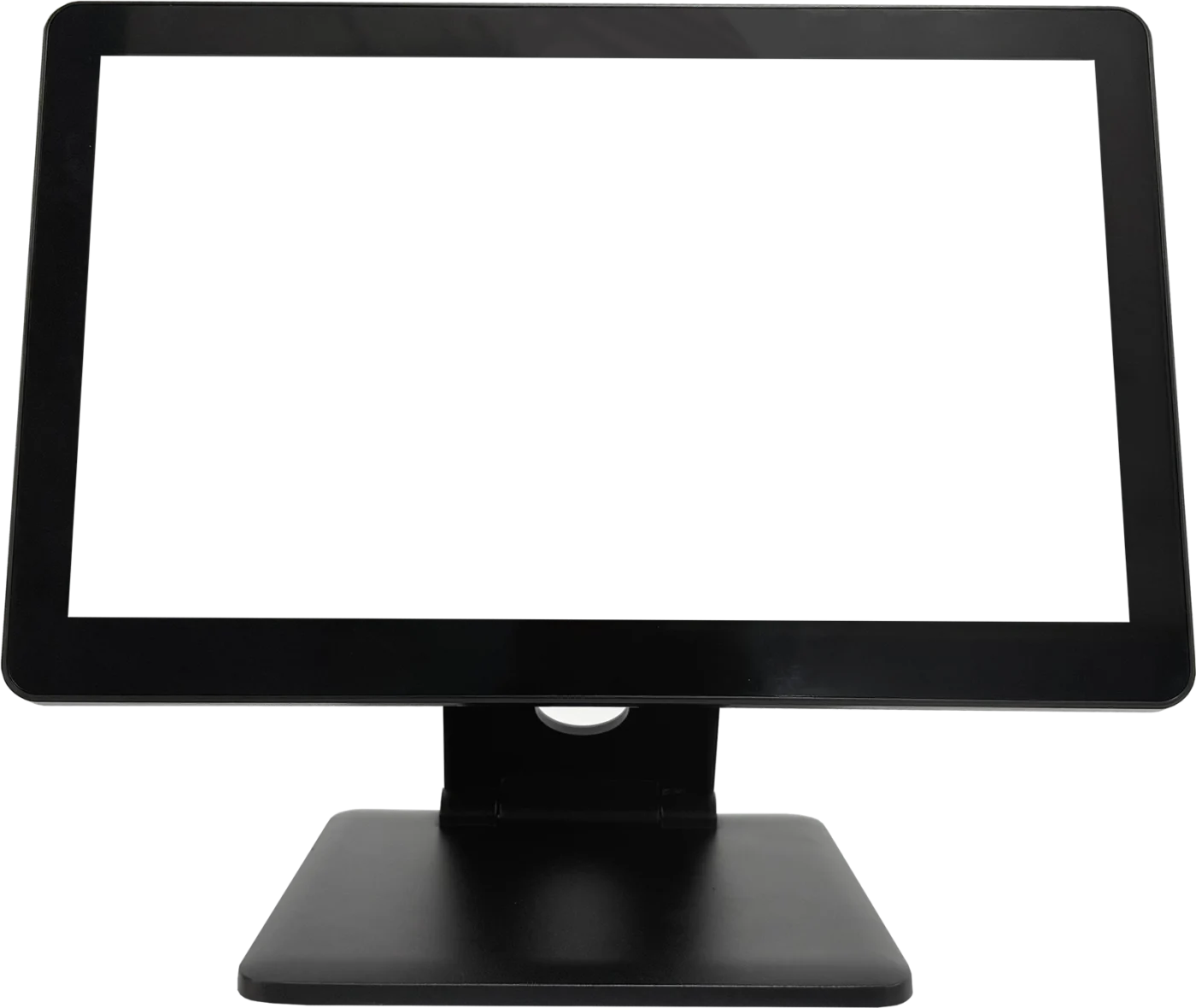
TouchPOS hospitality
A9
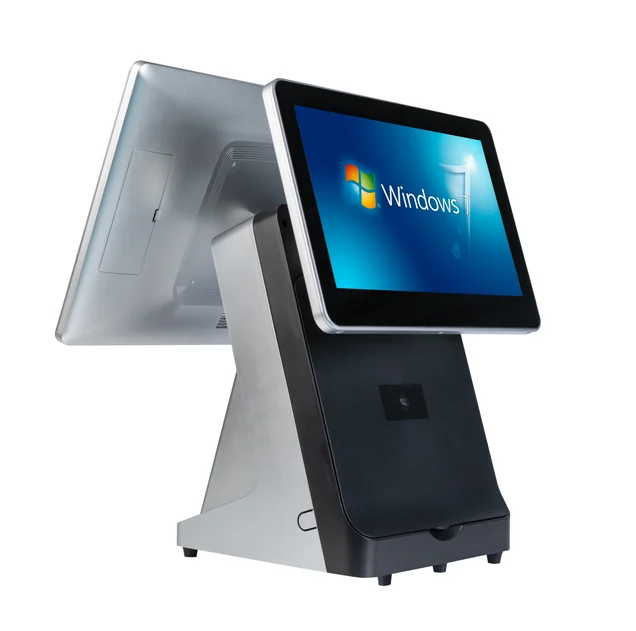
15.6″ · Single / dual display: 9.7″, 10.1″ or 11.6″ customer screen
Project configuration
Confirm the hardware before service starts.
- 01
Software and workflow
Share the POS software, order flow and expected staff interaction.
- 02
Counter and peripherals
Confirm available space and connected printer, scanner, drawer or display requirements.
- 03
Project quotation
Review the approved configuration, OEM requirements and planned quantity.
Hospitality POS FAQ
Questions before you specify.
Which POS terminal suits a restaurant or café?+
The right choice depends on your ordering software, service counter space, required customer display and connected devices. We confirm the complete configuration before quotation.
Can I connect hospitality peripherals?+
Peripheral requirements such as receipt printers, cash drawers, scanners and customer displays are reviewed against the planned project configuration.
Can TouchPOS support multi-site hospitality projects?+
We can discuss consistent configurations, branding, packaging and quantity requirements for qualified regional or multi-site projects.
Start with your service workflow
Tell us what your hospitality project needs.
Share your POS software, counter layout, peripherals, target market and estimated quantity.