System integrator hardware
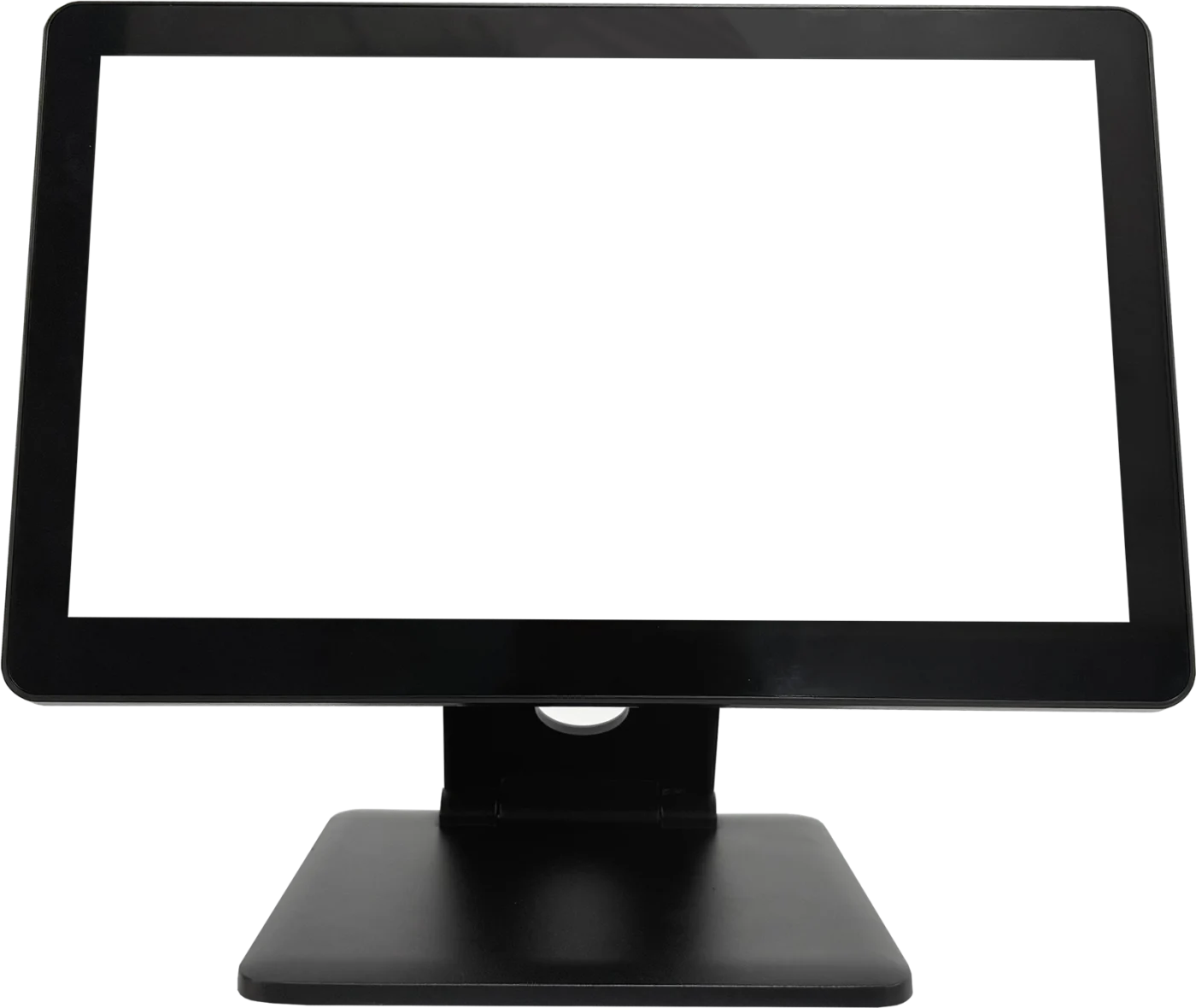
Configurable POS hardware for project deployment.
Plan terminal format, display layout and connected peripherals as one deployment requirement—ready for your customer, software stack and installation workflow.

01
Defined hardware scope
Review terminal, display and connected-device requirements alongside your integration plan.
02
Project consistency
Use one agreed configuration to support a repeatable customer or multi-site deployment.
03
OEM discussion
Discuss branding, finish, packaging and project documentation for qualified orders.
Built for project teams
Bring hardware into the deployment conversation early.
TouchPOS helps integrators turn a customer requirement into a planned hardware configuration before a project enters production.
- Terminal and display format discussion
- Peripheral requirements matched to deployment
- Project-based configuration confirmation
- OEM and packaging options for qualified projects
Suggested integrator platforms
Configure the right format for each deployment.
Technical selections are confirmed according to customer workflow, software and connected-device requirements.
01
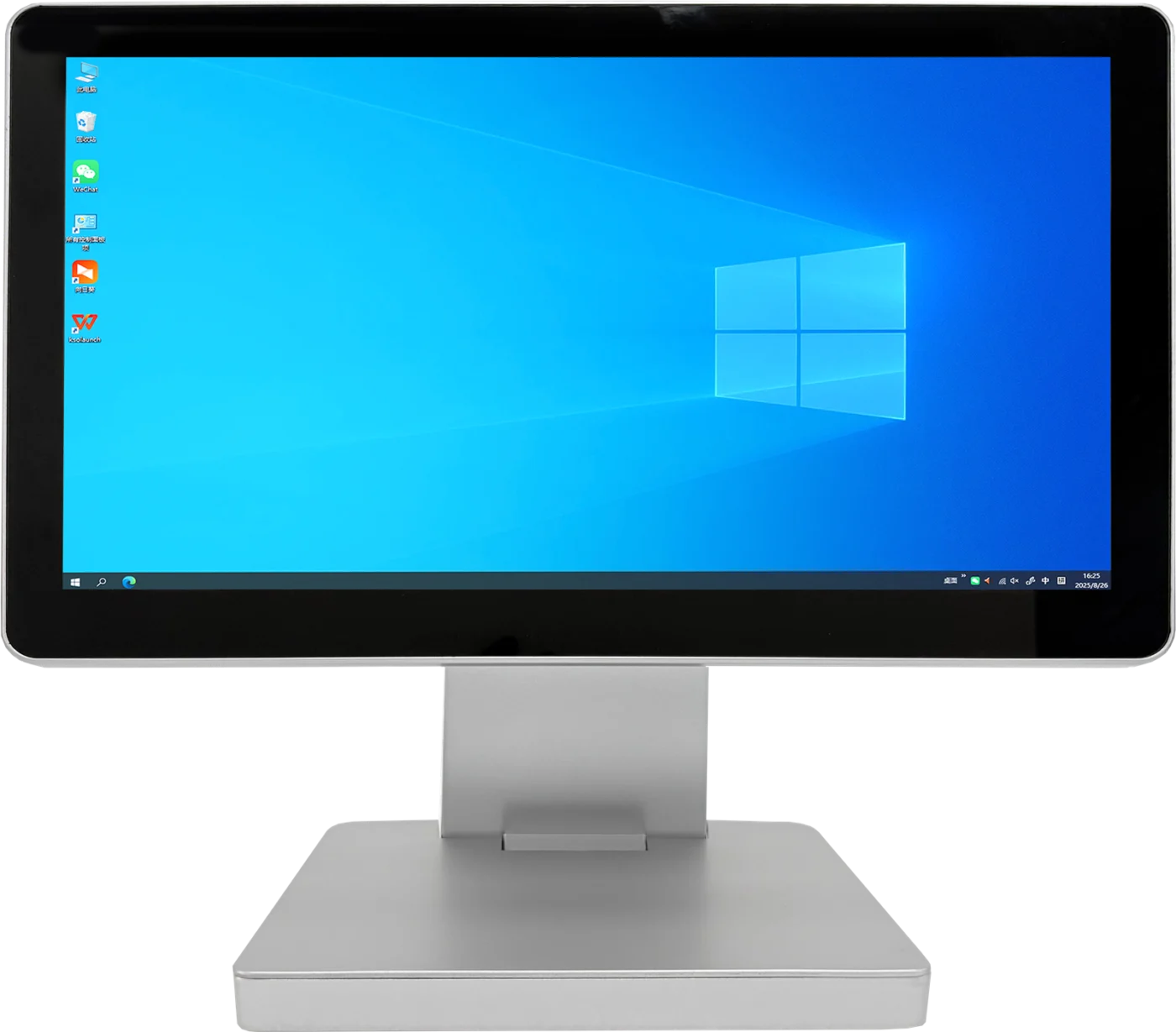
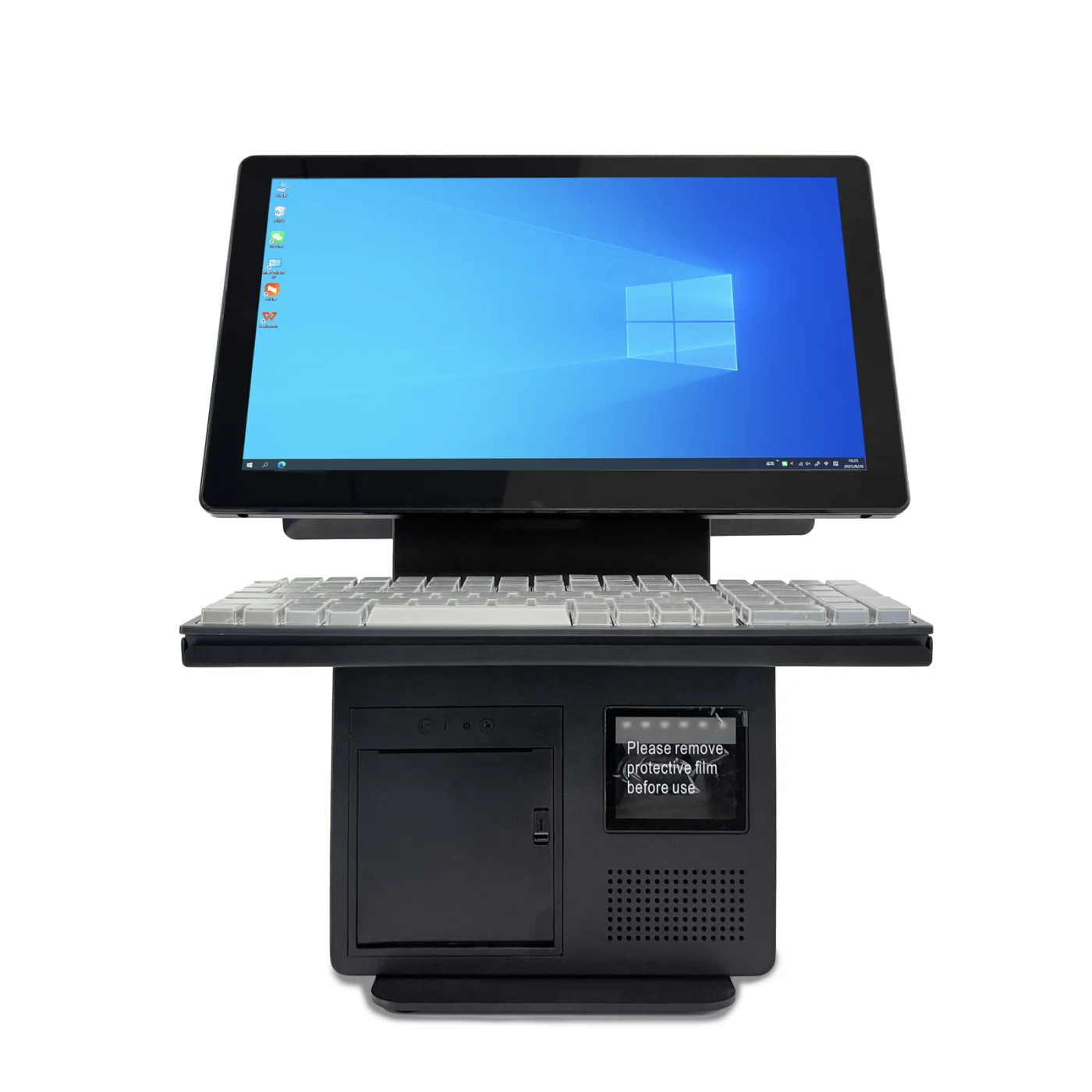
TouchPOS platform
A9
15.6″ · Single / dual display: 9.7″, 10.1″ or 11.6″ customer screen
02
03
Deployment workflow
Move from project brief to approved hardware.
- 01
Share the project brief
Confirm target use, software, display and peripheral requirements.
- 02
Review configuration
Align the terminal format and connected hardware with the planned deployment.
- 03
Confirm quotation
Review final configuration, branding needs and estimated quantity.
Start with the deployment brief
Tell us about your integration project.
Share your customer workflow, software, connected hardware, target market and estimated quantity.