Clear customer interaction
Choose a touch format that keeps ordering, check-in or visitor interaction visible and straightforward.
Self-service hardware
Build self-ordering, visitor-service or queue-management projects around a clear touch interface, the right installation format and your approved software workflow.
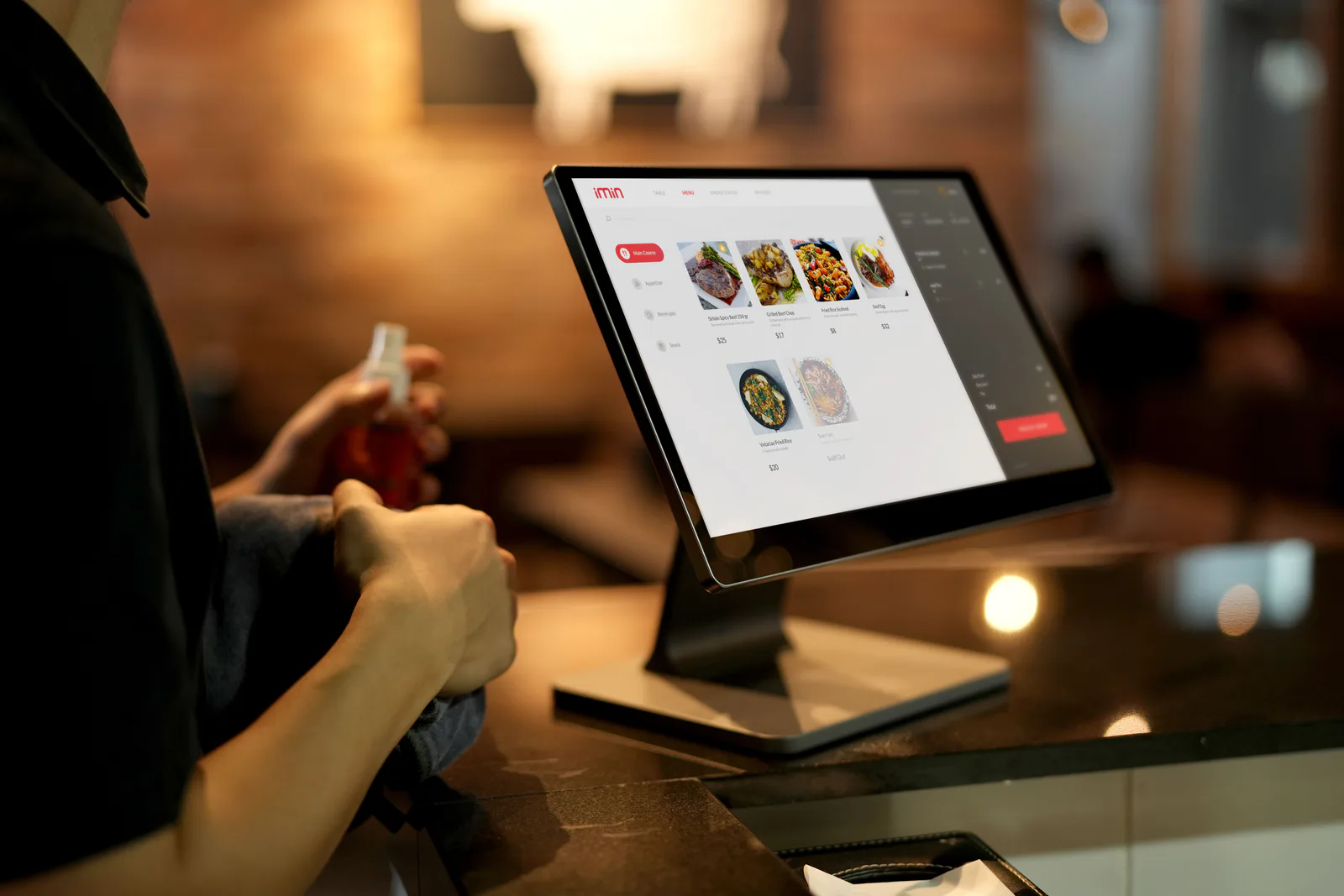

Choose a touch format that keeps ordering, check-in or visitor interaction visible and straightforward.
Confirm the mounting, counter, floor-standing or access-point context before finalising hardware.
Review software, payment or peripheral requirements before a self-service configuration is quoted.
Built for unattended workflows
Self-service hardware works best when its screen, software and installation method are planned together. TouchPOS helps partners define the device requirement before the project moves into production.
Recommended self-service hardware
Final display, compute platform, mounting and peripheral details are confirmed in the project quotation.

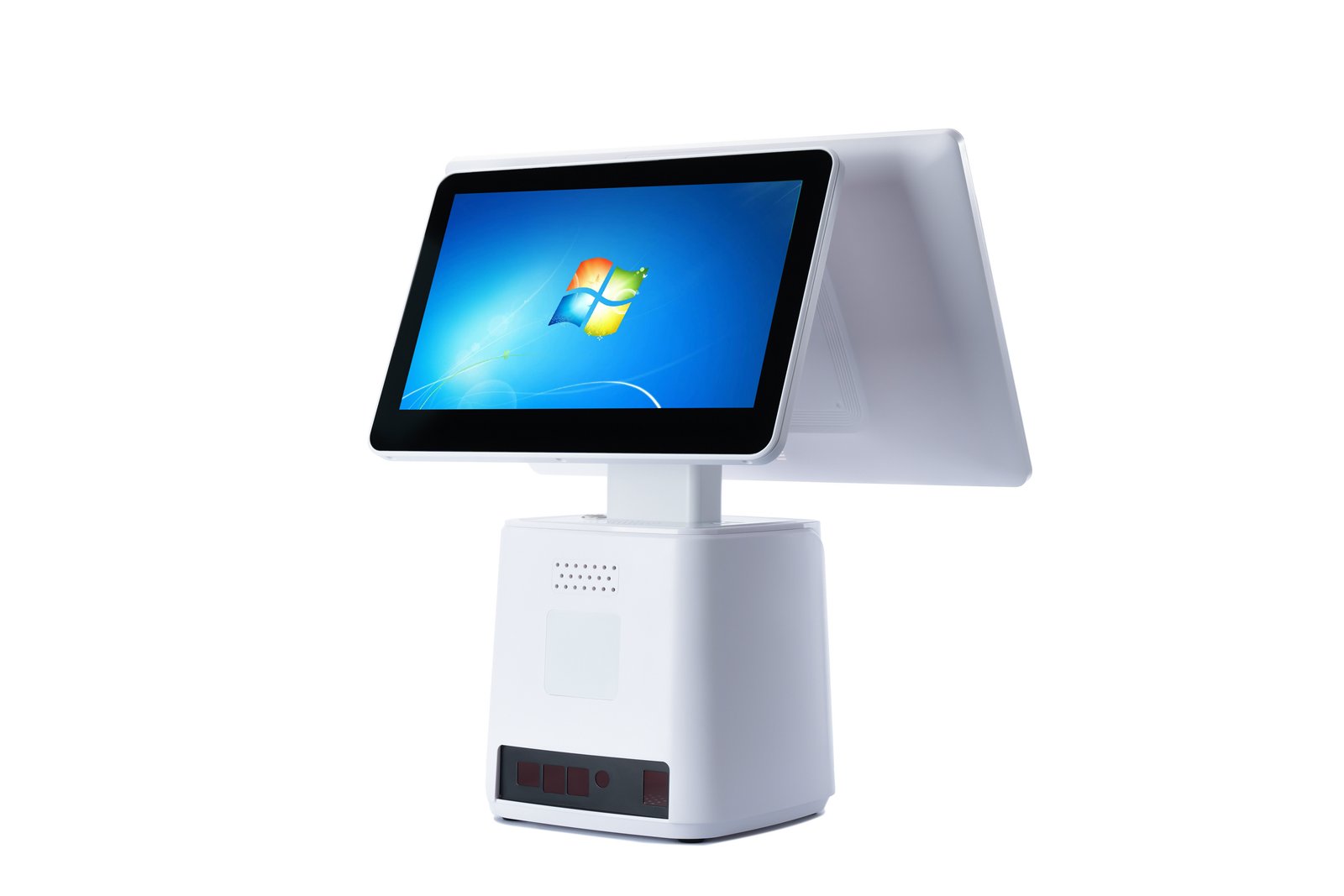
Project configuration
Define ordering, check-in, visitor or queue workflow requirements.
Confirm installation location, display size, software and connected devices.
Review the proposed configuration, branding needs and estimated quantity.
Self-service FAQ
It depends on the customer workflow, installation environment, software and required peripherals. We recommend confirming those requirements before selecting a configuration.
TouchPOS discusses display, compute platform, mounting and connected-device requirements against each project before quotation.
Logo, finish, packaging and selected configuration options can be discussed for qualified projects, subject to requirements and quotation.
Start with the customer journey
Share your software, installation location, target market, connected devices and estimated quantity.