Application fit
Discuss the operating system, software workload and display interaction your application requires.
POS software partner hardware
Work with TouchPOS to align terminal format, display arrangement and required I/O with your software workflow before a customer project is quoted.

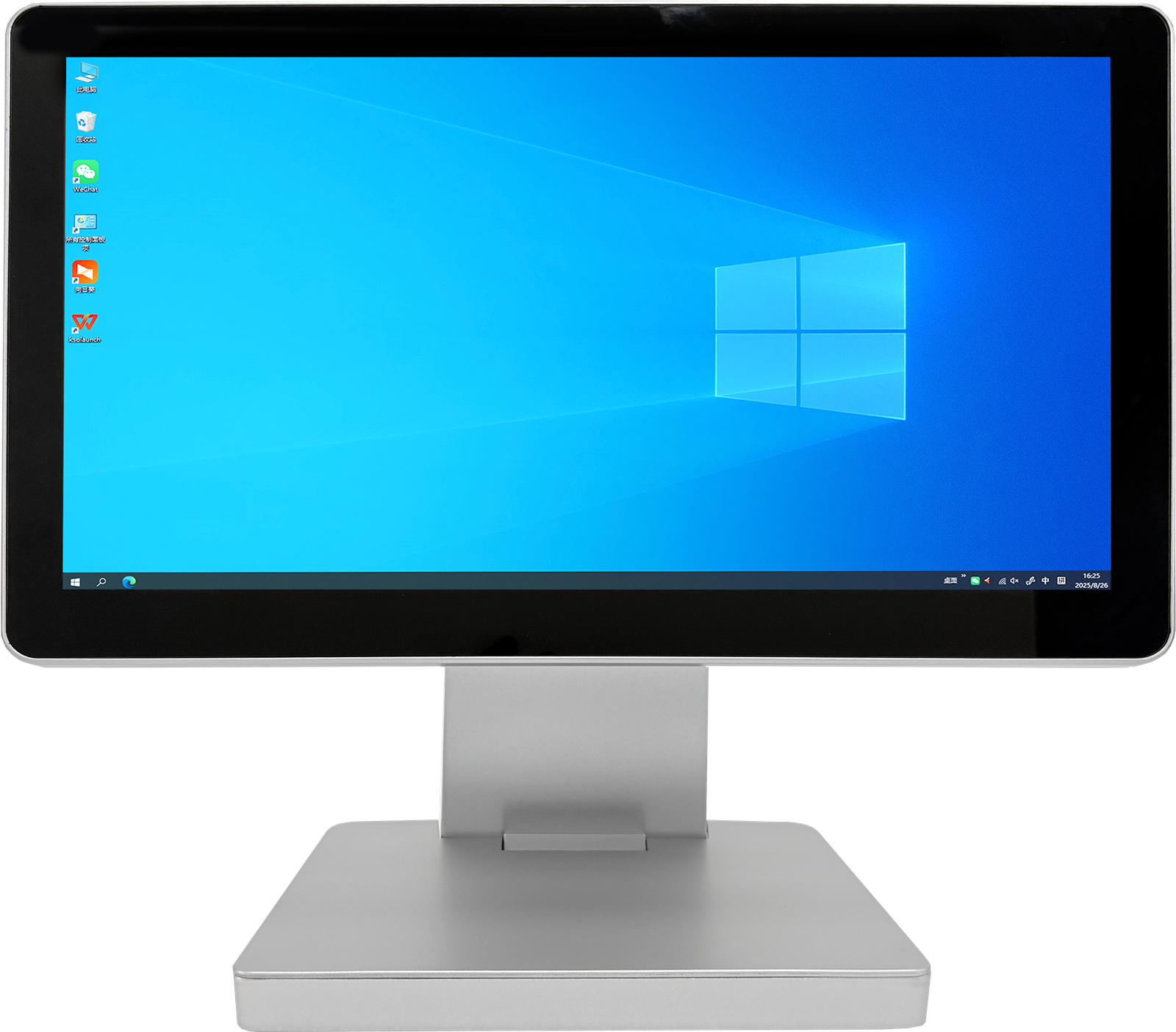
Discuss the operating system, software workload and display interaction your application requires.
Match screen format, terminal profile and required connections to the defined use case.
Confirm a repeatable configuration before it is introduced to a customer project.
Built around your application
Instead of offering a fixed consumer bundle, TouchPOS supports the hardware discussion behind your customer deployment—from terminal format to connected peripherals.
Suggested software-partner platforms
Final technical selections are confirmed from your application, usage context and connected-device requirements.
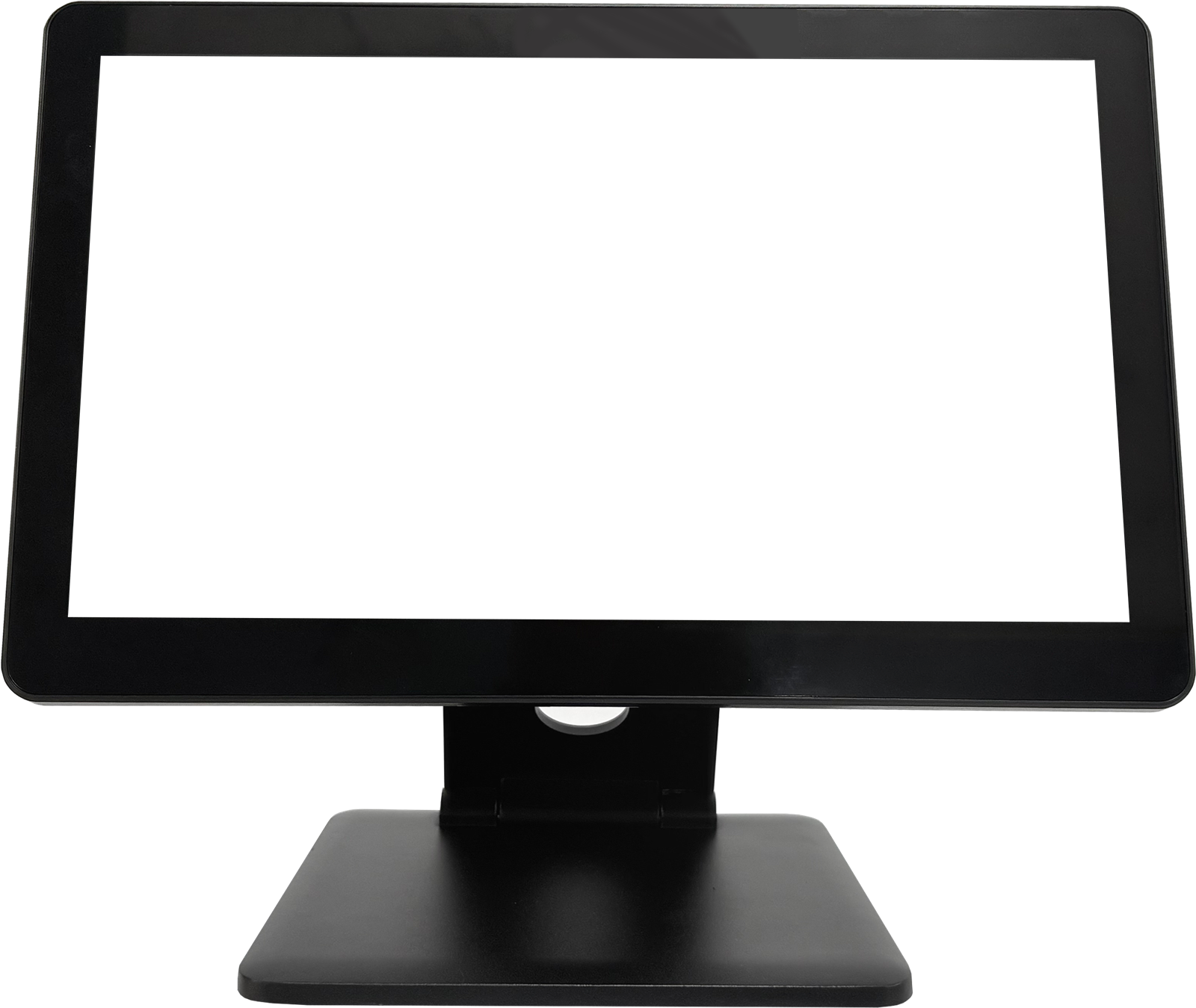
TouchPOS platform
15.6″ · Single / dual display: 9.7″, 10.1″ or 11.6″ customer screen
View product →
Integration workflow
Provide operating system, interaction and expected peripheral requirements.
Confirm terminal, display and connection requirements for the target project.
Review the final configuration, project quantity and any OEM requirements.
Start with your application
Share your application, display workflow, peripherals, target market and estimated project quantity.