Lane-ready workflow
Plan display layout and POS placement around scanning, bagging and high-frequency checkout tasks.
Supermarket POS solutions
Configure POS hardware for supermarket, grocery and convenience-store checkouts around scanning workflows, customer displays and the peripherals each lane requires.
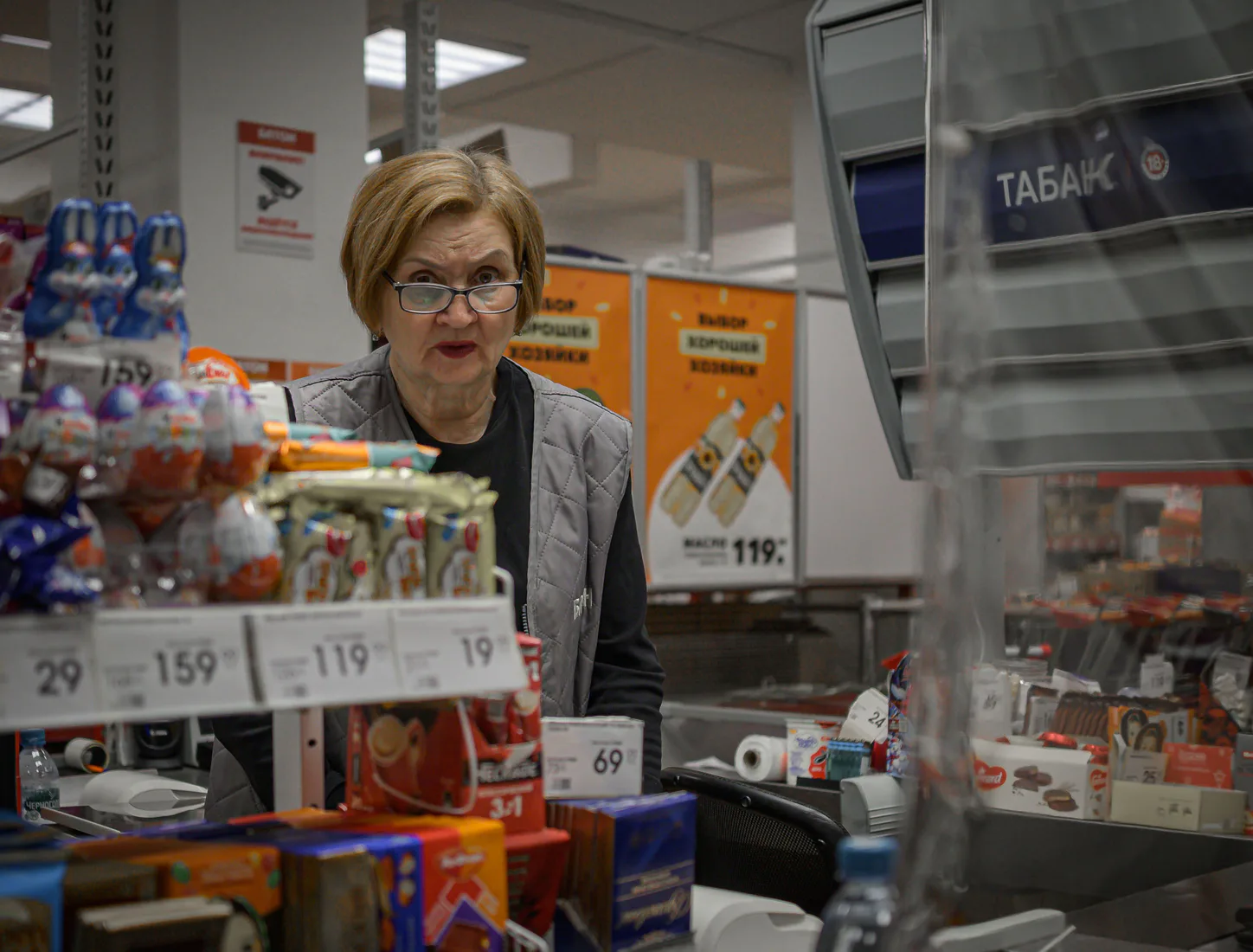
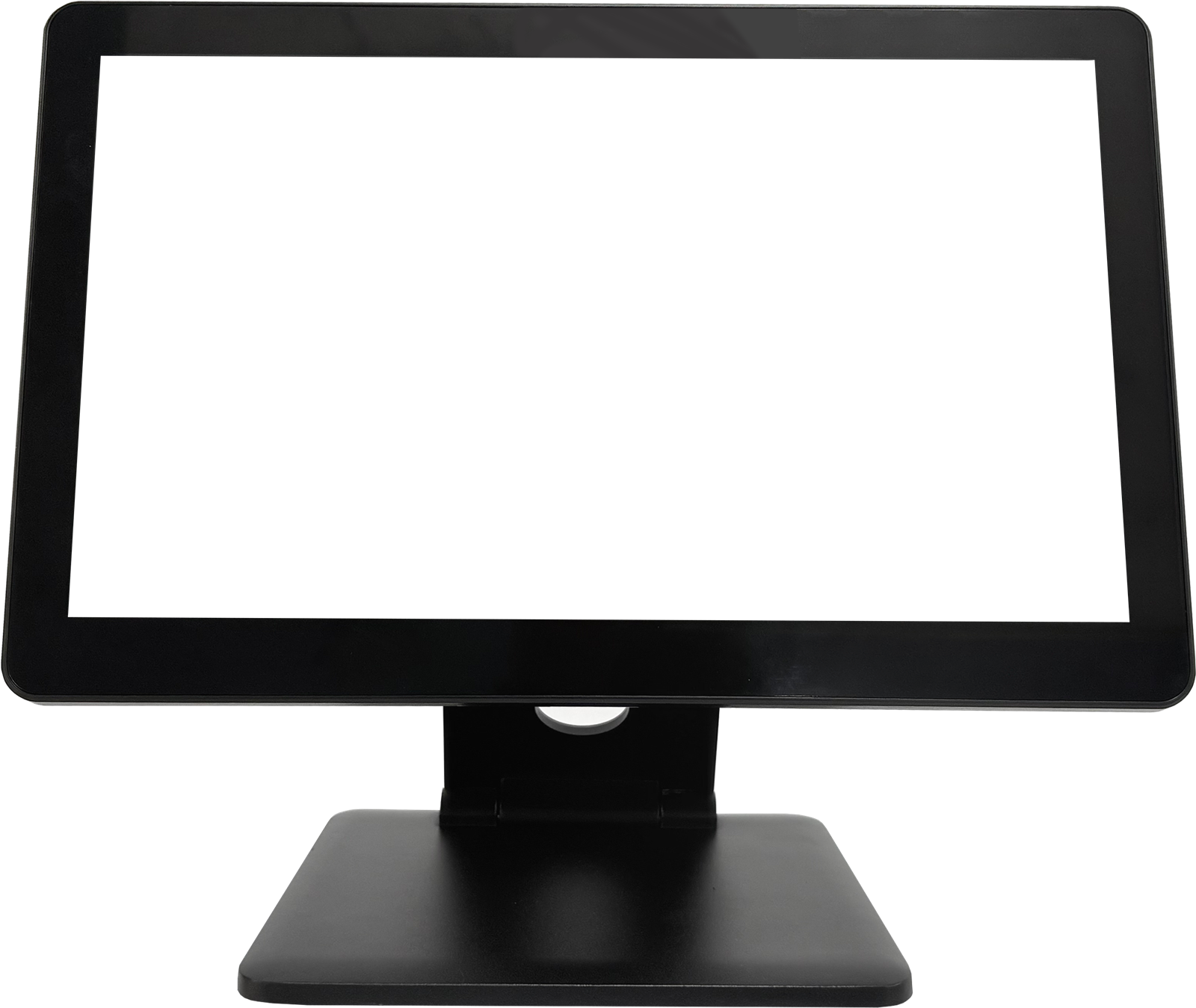
Plan display layout and POS placement around scanning, bagging and high-frequency checkout tasks.
Confirm scanner, printer, drawer and customer-display requirements for every checkout lane.
Use one approved hardware configuration to support repeat installation across locations.
Designed for the checkout lane
Supermarket POS projects depend on predictable counter layouts and planned device connectivity. TouchPOS supports a configuration discussion before a lane specification is approved.
Recommended supermarket hardware
Final configuration is confirmed against software, lane layout, customer display and required peripheral list.
TouchPOS supermarket
15.6″ · Single / dual display: 9.7″, 10.1″ or 11.6″ customer screen
View product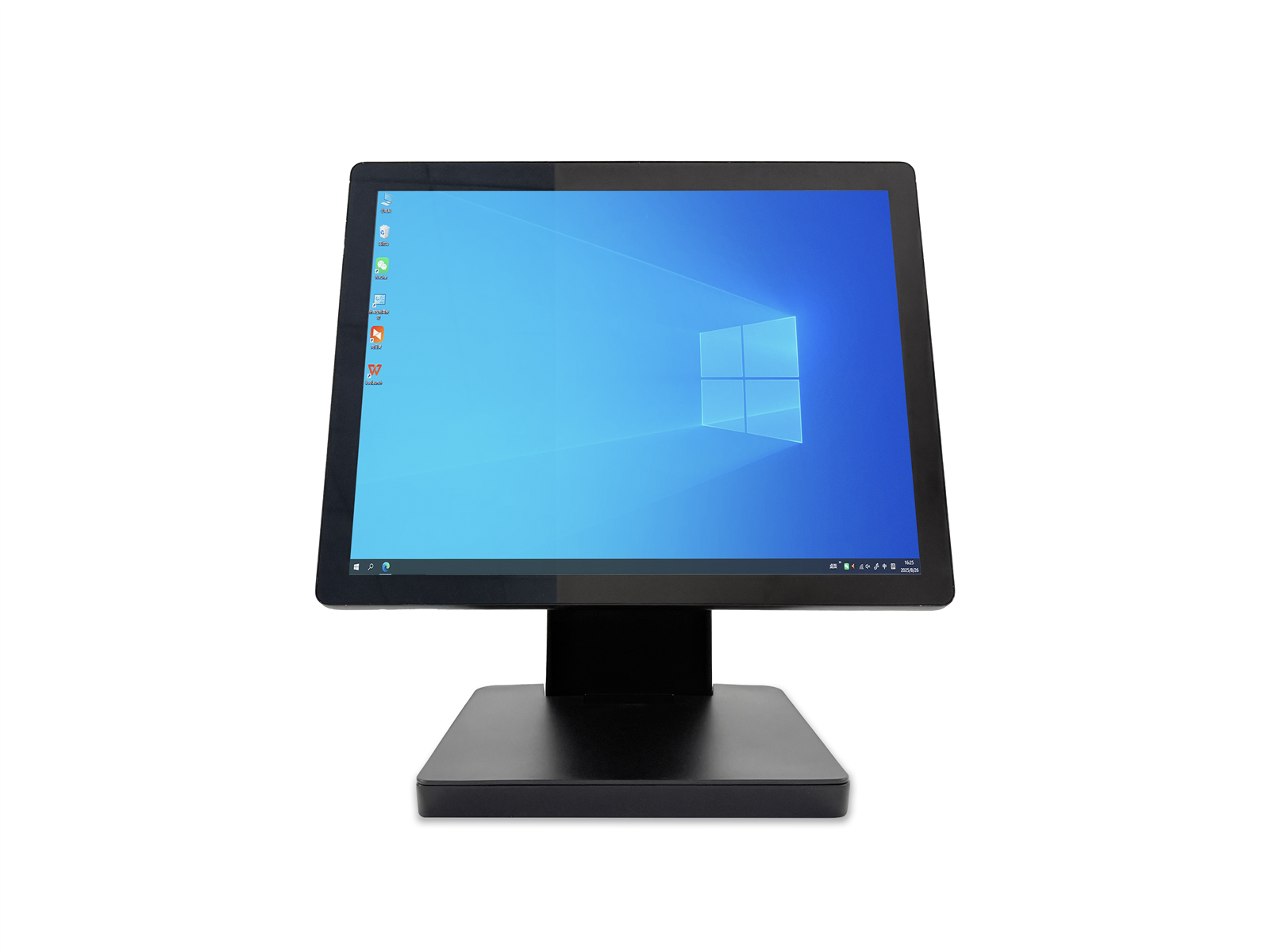
TouchPOS supermarket
Touch display · Slim single-display POS terminal; project options confirmed by quotation
View product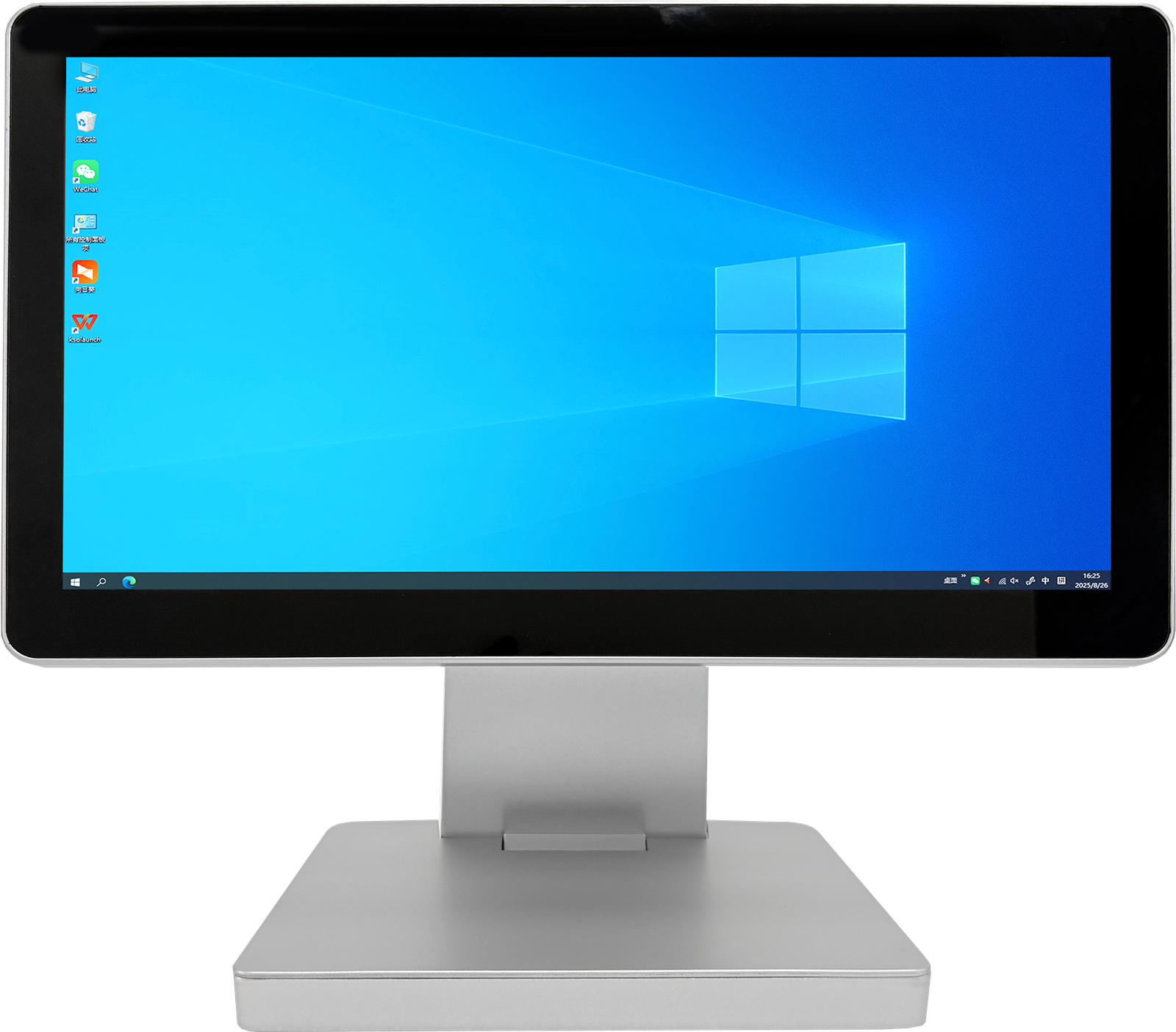
Project configuration
Share the POS software, scanning workflow and counter layout.
Confirm every required scanner, printer, drawer and customer display.
Review the final configuration, packaging and estimated installation quantity.
Supermarket POS FAQ
Confirm the POS software, counter layout, scanning workflow, customer display and connected peripherals before selecting the final configuration.
Customer-display requirements are reviewed against the selected terminal format and project configuration before quotation.
TouchPOS can discuss a consistent configuration, branding and packaging approach for qualified multi-site projects.
Start with your checkout lanes
Share your POS software, lane count, peripheral list, target market and estimated quantity.